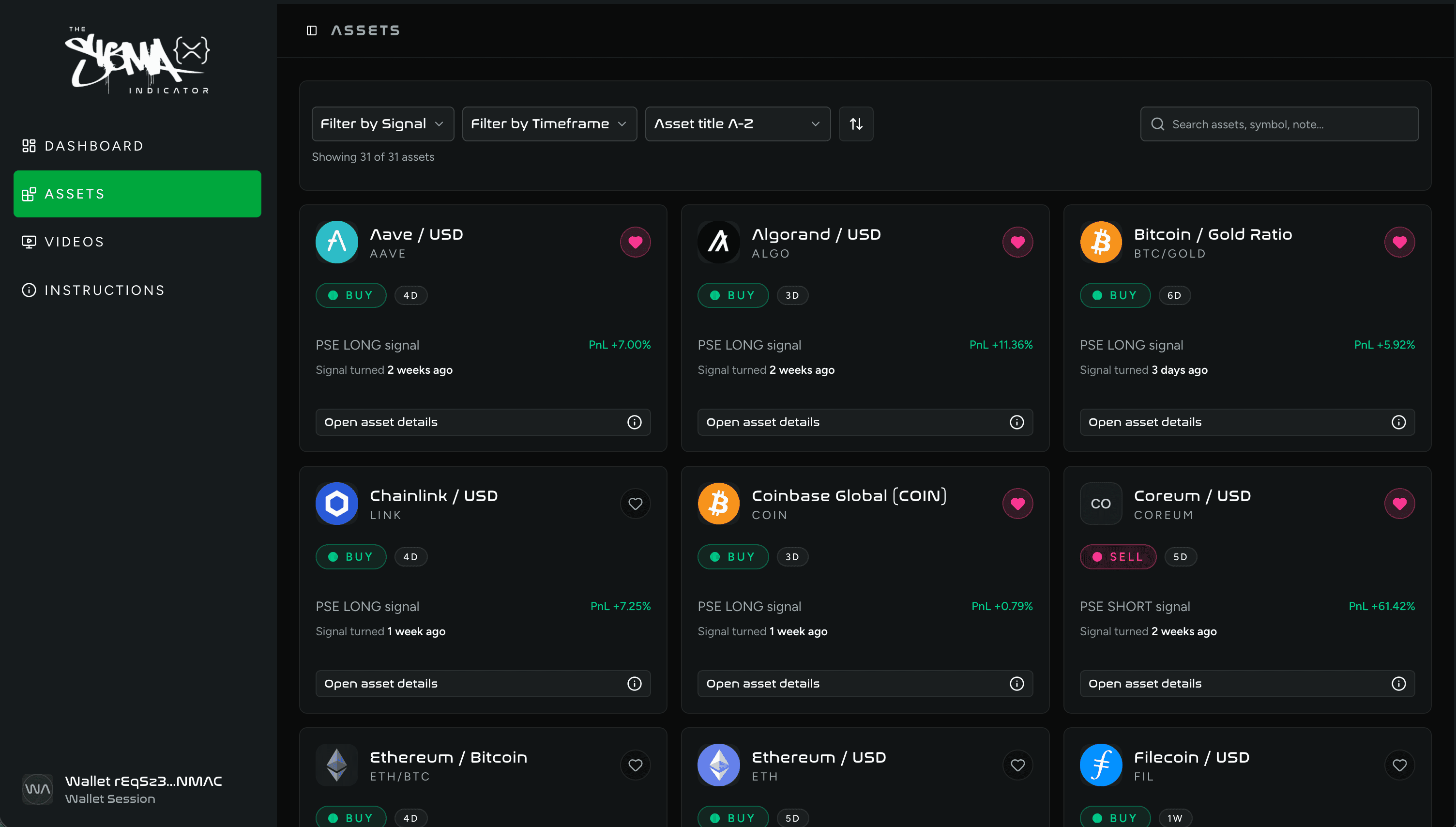
Select Wallet
Select a self custodial wallet to store your XRP. You'll then use this to buy your SIGMA and gain access to the SIGMA Pro Engine discord and web app.


Set Trustline
On the XRPL you set a trustline in order to buy and sell a token. This can be done through a trusted decentralized exchange website. Setting a trustline requires a reserve of 0.2 XRP per token.


Buy 160m $SIGMA
In order to gain access to the token gated discord and web app, you'll need to be holding 160m $SIGMA. Click one of the two links below to buy $SIGMA directly.
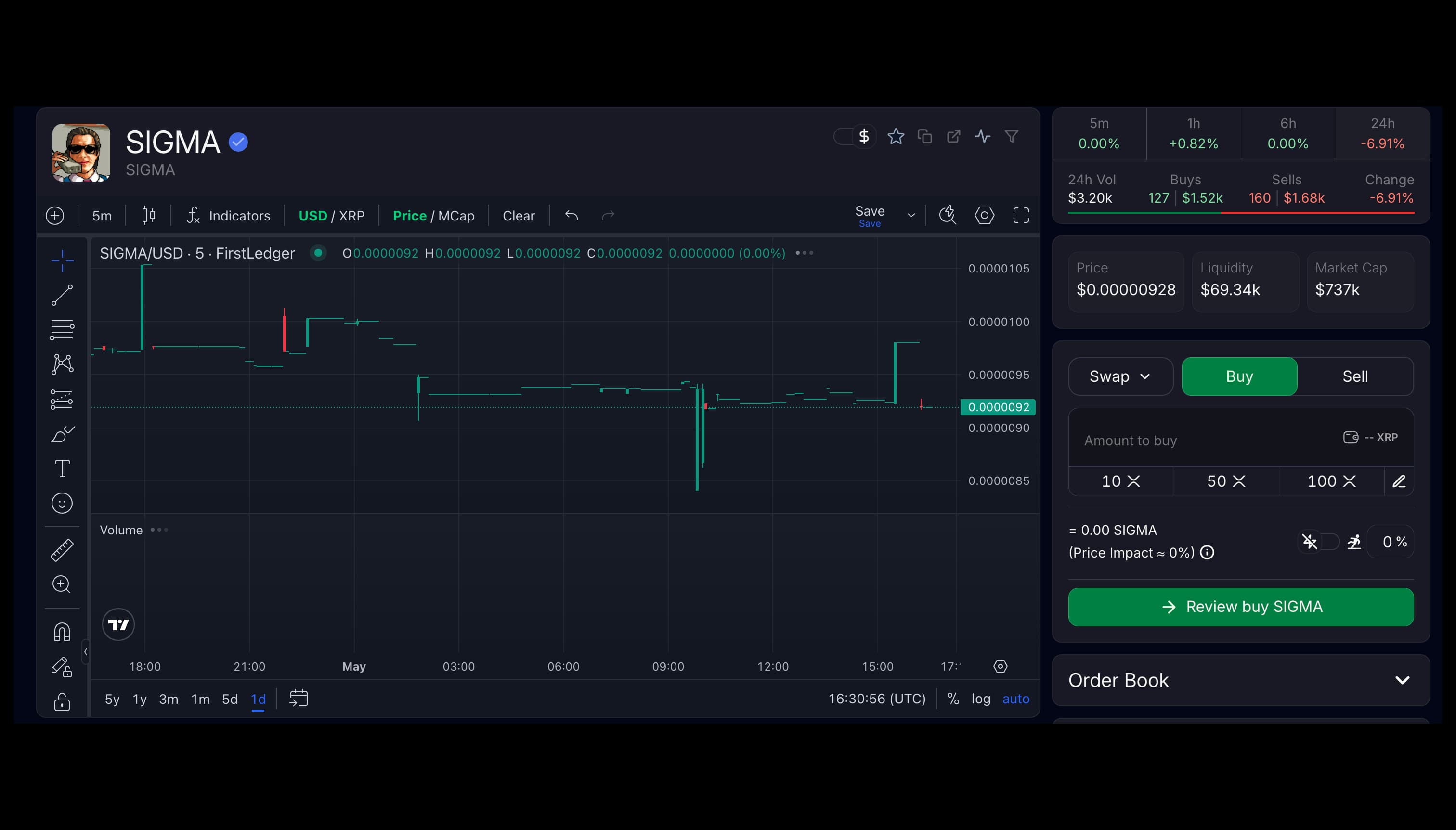
Verify in discord
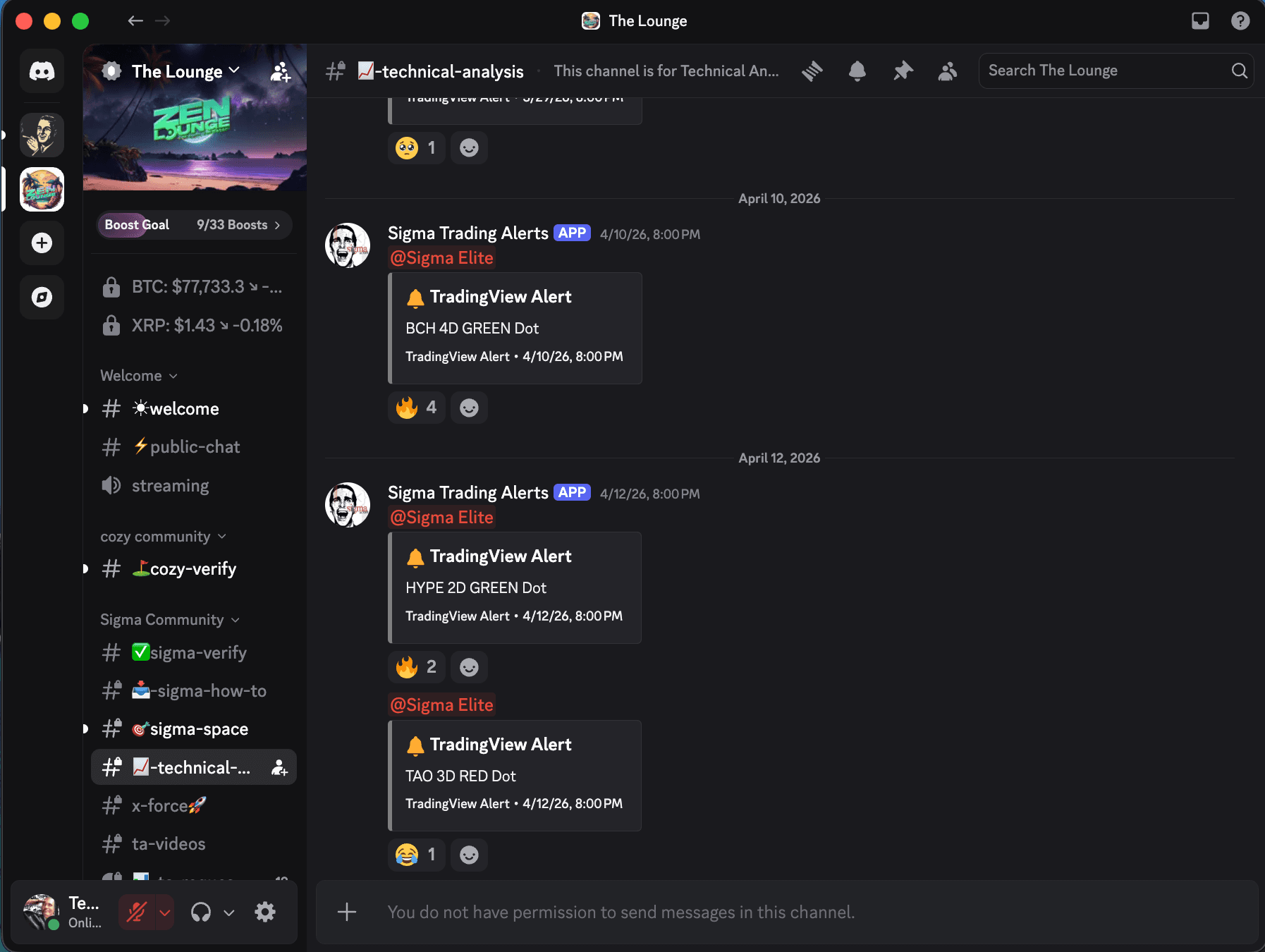
Click the discord logo below to join the Zen Lounge server. Once you've joined the Zen lounge, go to the #sigma-verify channel and type /sigma_verify and press the enter key. Paste in your wallet address and if you have 160m $SIGMA or more, you'll be granted access.

Connect to Web Application
Click the SIGMA Pro Engine logo below and connect your wallet. If you have 160m $SIGMA or more, you'll be granted access.